
Getting started with the Vault API
Follow five steps to create an account, get an API key, create a Vault, submit a document, and review predictions with the legacy Vault API.
This page is part of the legacy TextMine Public API v2 documentation.
Welcome to Vault! follow thse steps to get started with the Vault API:
1. Create an account
You can create an account at https://app.legislate.ai or contact us at developers@textmine.com so that we can do this for you.
2. Request a Vault API key
You will then need an API key to get started with the Vault API. You can obtain one by reaching out to developers@textmine.com
3. Create your first Vault
In order to process documents, you will need to specify the Vault they'll be submitted to. You may for example wish to have a Vault for HR agreements and a Vault for your supplier agreements.
You can either create a Vault team from the web app and use the Vault ID in the URL or alternatively, you can use the Create Vault endpoint to create your first Vault.
Recipe: Create a Vault for your first uploads
4. Submit a document
Submit the document you'd like to process using the Vault endpoint.
Recipe: Submit documents to Vault
5. Wait for the predictions to process
The analysis of a document will take a couple of seconds depending on the complexity and size of the document. You can use the status endpoint to check on the status of a document.
Document processing status
A document being processed by Vault will either be IN_PROGRESS or COMPLETED
Submitting multiple files to Vault
You can submit multiple files to Vault in which case they will be queued and processed seperately by the model.
5. Review the predictions
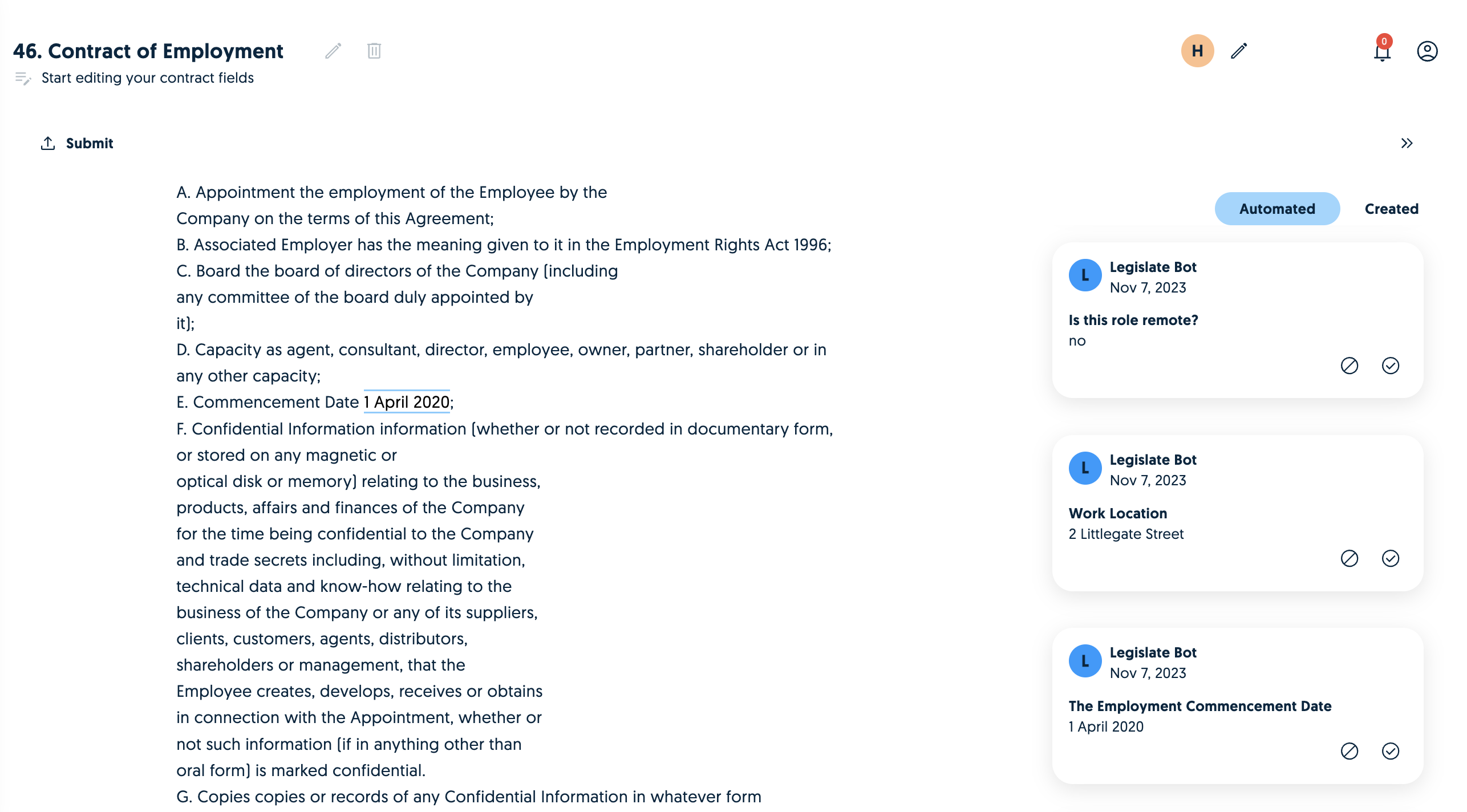
You can review the predictions via the Json response or alternatively you can log in to the web app to review them via a user interface.
What's Next
Learn more about Vault concepts or check out the introduction to our API reference.